Case study · GIS tool
SHP → KML Batch Converter
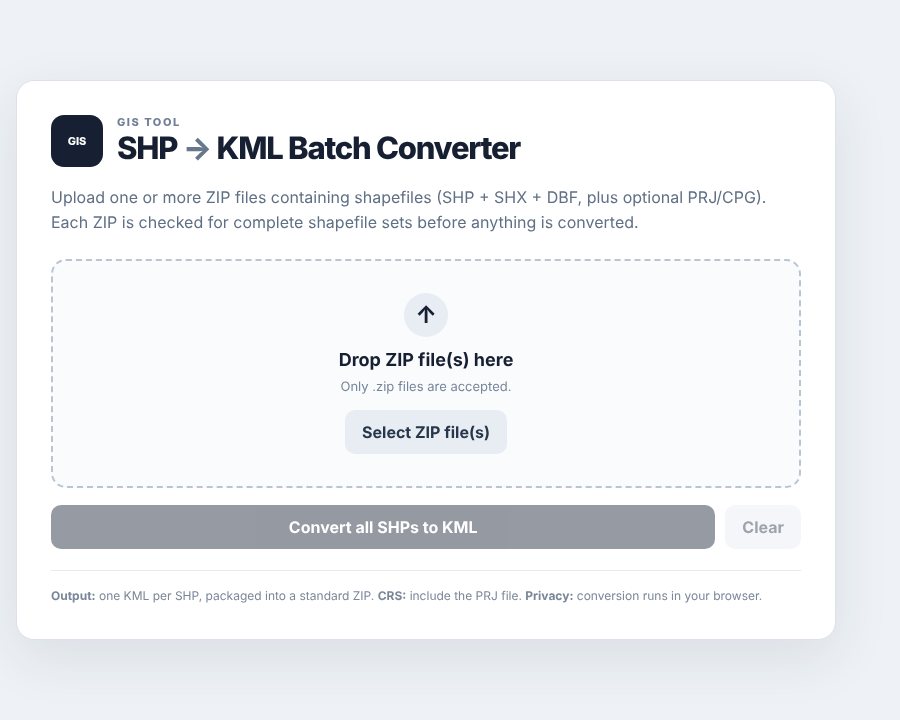
I built this for a work task. I regularly had to convert batches of 40 waterway route shapefiles to KML, and doing that one file at a time in GIS software takes an hour or two. This tool does the whole batch in about a minute.
How it works
Everything runs in the browser. You drop in zipped shapefiles, and it groups each file’s parts and checks that nothing is missing or empty before converting. It reads the projection file to put the coordinates in the system KML expects, then gives you back one KML per shapefile in a single ZIP. If one file fails, the others still convert, and the tool tells you which one failed.
Because nothing is uploaded, data stays on your own computer, and colleagues without GIS software can use it too.
| Method | Time |
|---|---|
| One by one in ArcGIS Pro or QGIS | 1–2 hours |
| GIS batch tools | 15–25 minutes |
| This converter | About a minute |
Limits
It converts the geometry and attributes, but not the styling from a GIS project, so lines and colours use Google Earth’s defaults.